(Solved): Create a simple contact management application with the following requirements: The main activity sh ...
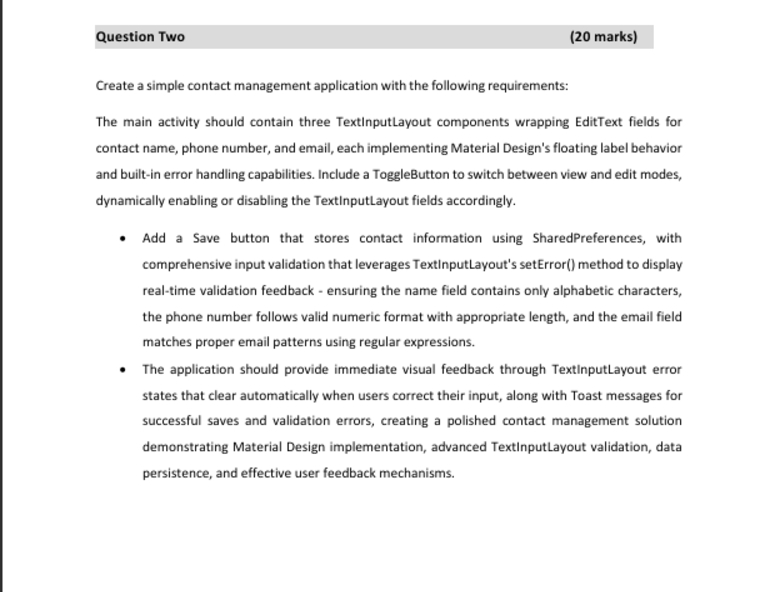
Create a simple contact management application with the following requirements: The main activity should contain three TextInputLayout components wrapping EditText fields for contact name, phone number, and email, each implementing Material Design's floating label behavior and built-in error handling capabilities. Include a ToggleButton to switch between view and edit modes, dynamically enabling or disabling the TextInputLayout fields accordingly. - Add a Save button that stores contact information using SharedPreferences, with comprehensive input validation that leverages TextInputLayout's setError() method to display real-time validation feedback - ensuring the name field contains only alphabetic characters, the phone number follows valid numeric format with appropriate length, and the email field matches proper email patterns using regular expressions. - The application should provide immediate visual feedback through TextInputLayout error states that clear automatically when users correct their input, along with Toast messages for successful saves and validation errors, creating a polished contact management solution demonstrating Material Design implementation, advanced TextInputLayout validation, data persistence, and effective user feedback mechanisms.